Home
Home
 CS 1.6 Builds
 CS:GO Builds
 CS:S Builds
 CS2 Builds

Download CS 1.6 from Leo Show

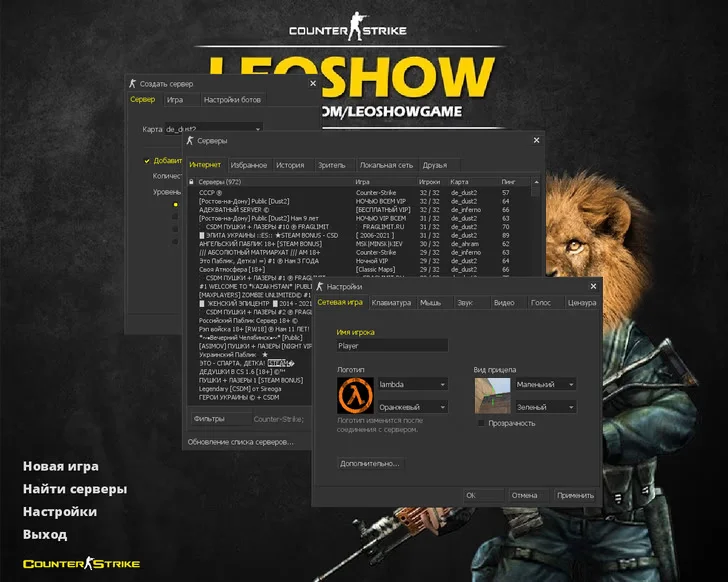
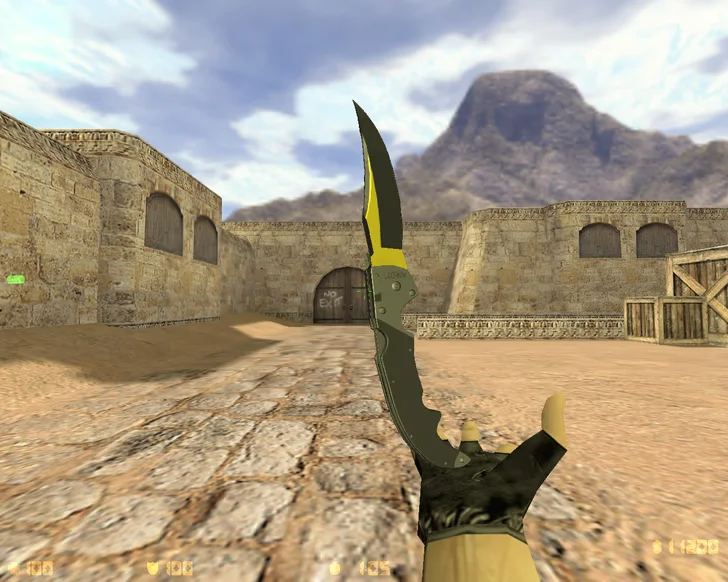
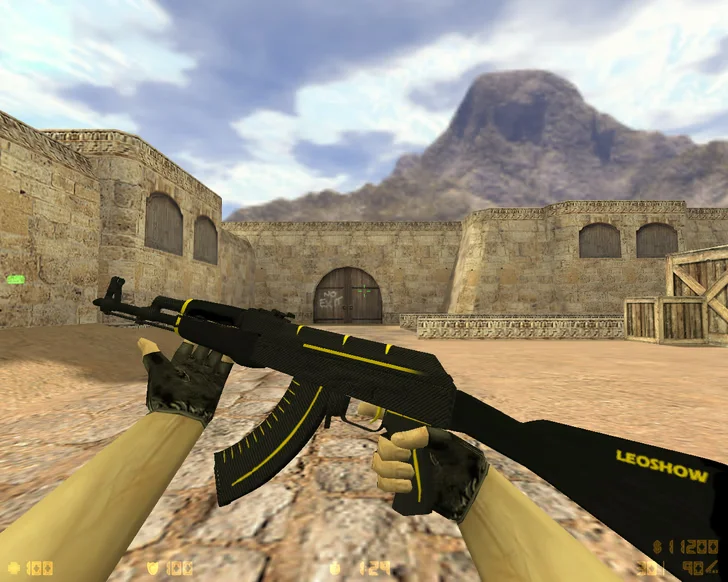
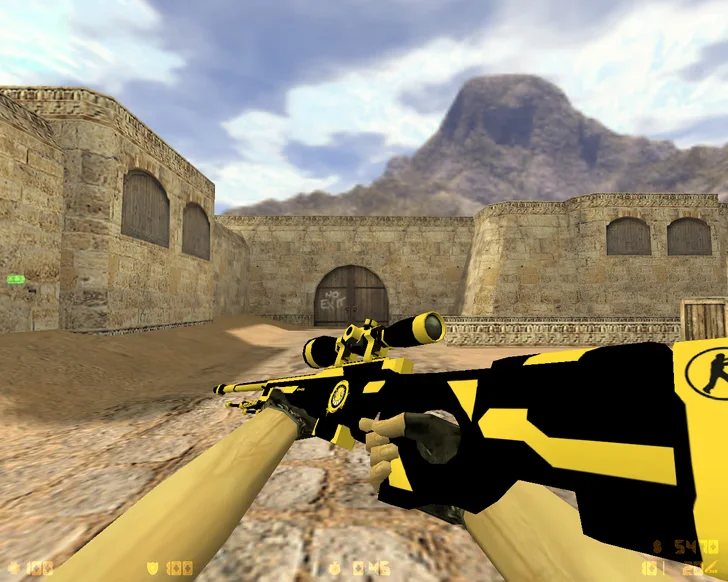
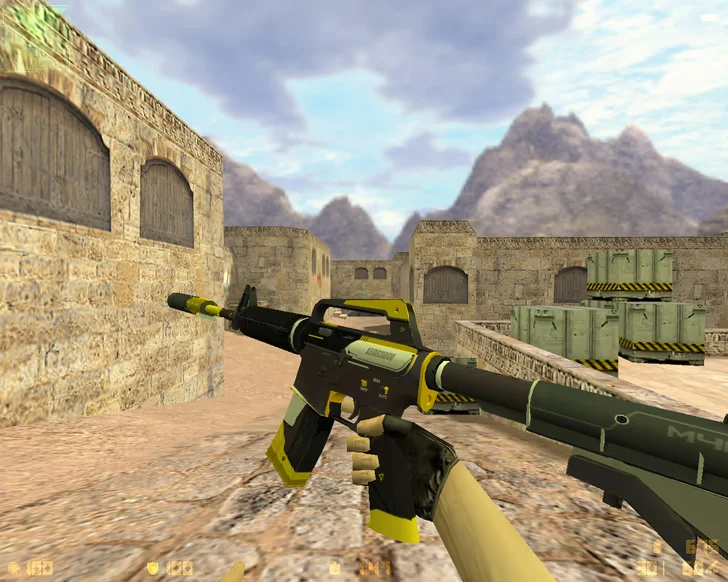
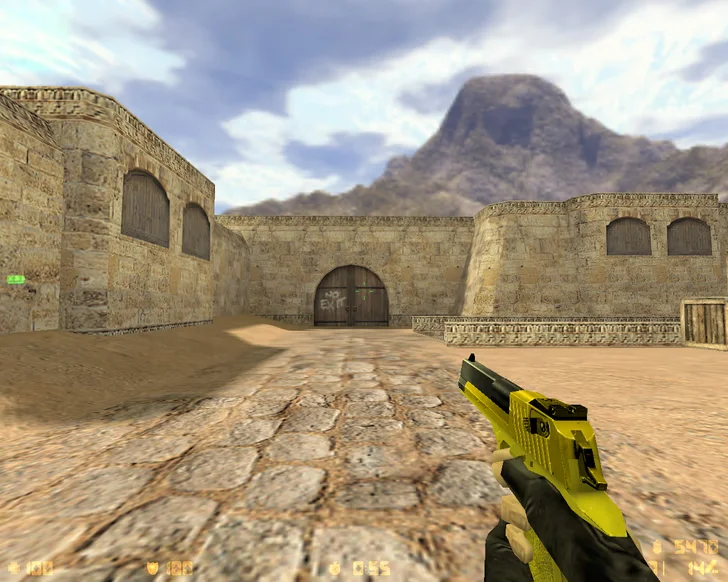
CS 1.6 from Leo Show is a custom build created by the popular content creator and streamer Leo Show. It is the perfect choice for those who want to play a comfortable, stable, and visually appealing version of the classic Counter-Strike 1.6. The client includes everything necessary for productive gameplay: precise settings, high-quality models, built-in bots, and full support for servers and game modes. Downloading CS 1.6 from Leo Show is an excellent choice for both beginners and experienced players.
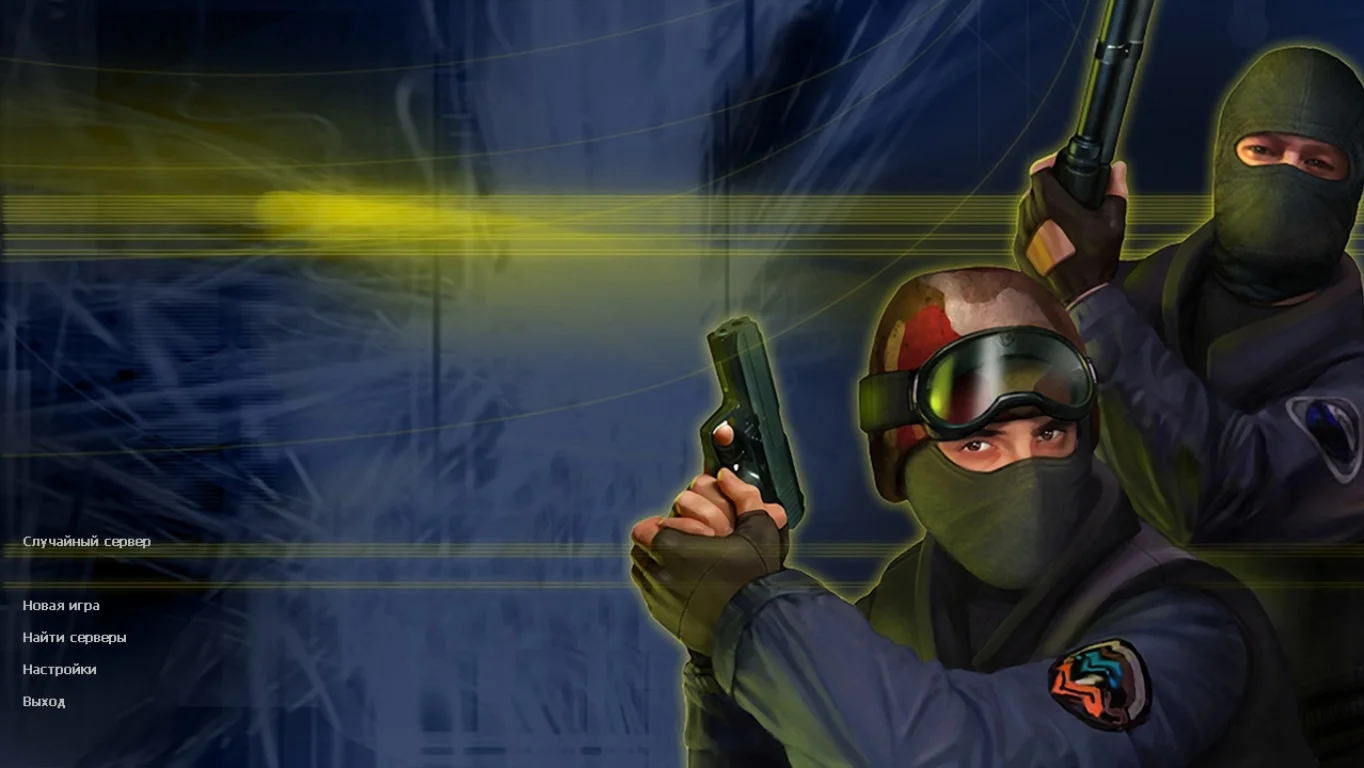
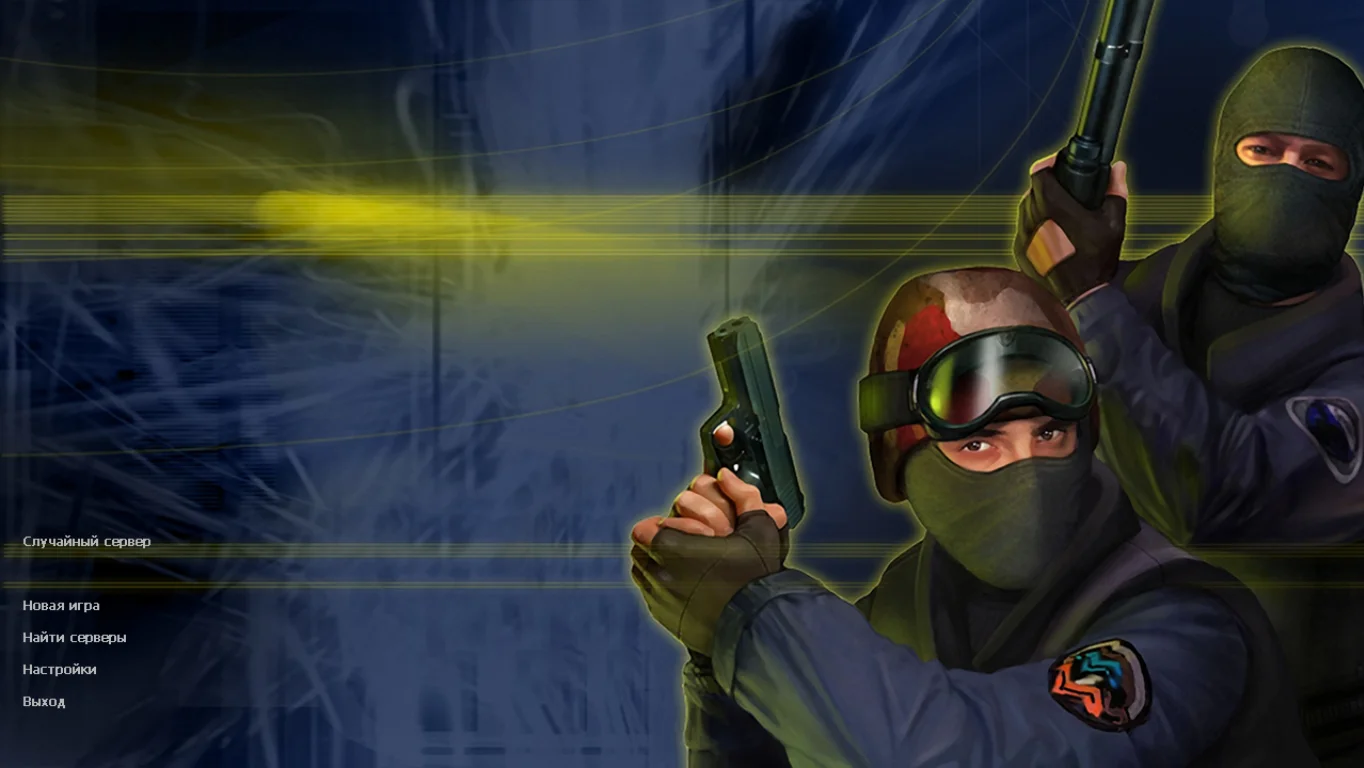
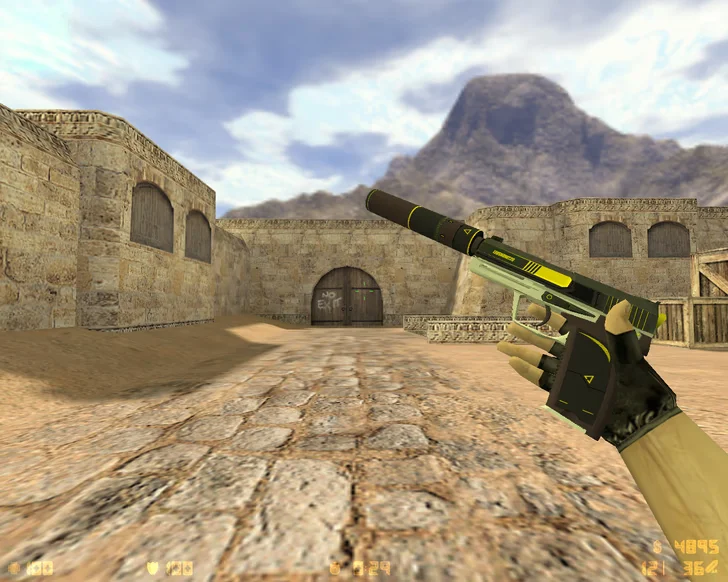
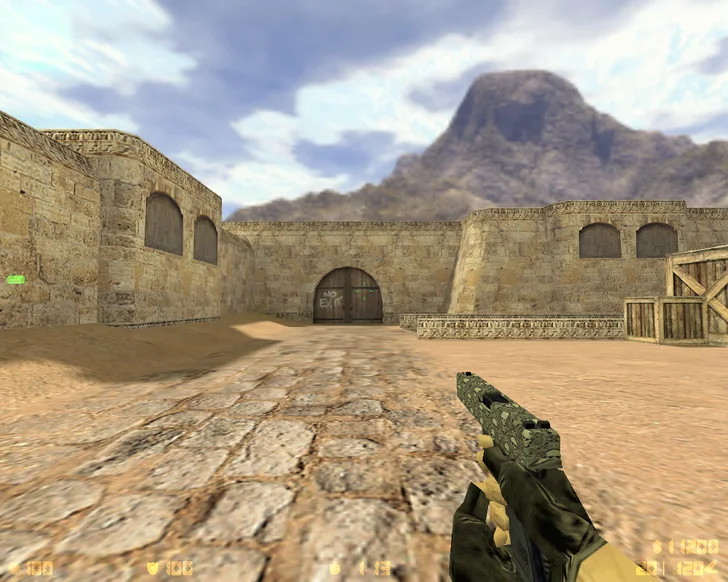
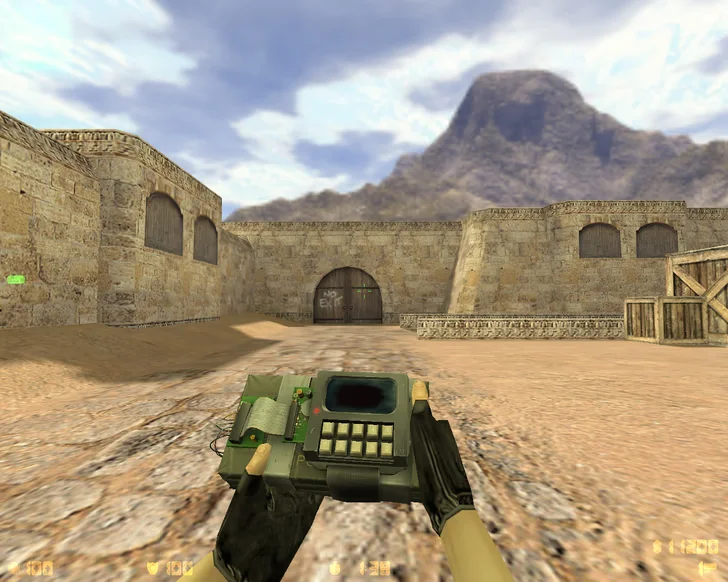
The build features a clean and intuitive interface, redesigned standard weapon and player models, and optimized shooting configs that provide maximum accuracy and responsiveness. It contains only essential files, with no viruses, ads, or third-party software. Anti-cheat is integrated, along with convenient settings for both online and offline play. Classic maps are included, with the option to add your own. The client is optimized for stable performance, requires minimal hardware, and launches in seconds.
The build is fully localized in Russian and compatible with all Windows versions: XP, 7, 8, 10, and 11. Thanks to good optimization, it runs smoothly even on low-end computers. Installation is quick: simply download the file, choose the installation path, and launch the game. CS 1.6 from Leo Show offers stability, precision, cleanliness, and comfort in one package. For lag-free gameplay with well-tuned settings and a verified client, downloading CS 1.6 from Leo Show is a must to enjoy the classic game in a modern form.
Build Features:
Custom build by popular streamer Leo Show
Professional configs for precise shooting
Updated weapon and player models
Built-in bots with selectable difficulty
Support for all popular game modes
Clean client without ads or viruses
Anti-cheat for safe online play
Localized interface
High performance even on low-end PCs
Compatible with Windows XP — 11
System Requirements and Installation:
Operating System: Windows XP / 7 / 8 / 10 / 11
Processor: 1.0 GHz or higher
RAM: 512 MB or more
Graphics Card: 64 MB or more
Free Disk Space: 750 MB or more
How to Install:
Download the CS 1.6 from Leo Show installer
Run the installer by double-clicking
Choose the installation folder
Wait for the installation to complete
Launch the game from the desktop shortcut